
Radio Spotify creates endless personalized music streams based on a single song or artist. It uses smart recommendations to mix familiar tracks with new discoveries, offering a dynamic alternative to playlists and traditional digital radio.
Press play on a single song, and suddenly an endless stream of music keeps flowing—track after track, each one feeling like it was picked just for you. That’s the magic behind radio Spotify, a feature that turns one favorite tune into hours of personalized listening.
This guide breaks down everything you need to know about radio Spotify. You’ll learn how it works, how to start a station, and how it fits into the wider world of Spotify music streaming. We’ll also compare it to traditional digital radio, explore the technology behind audio streaming, and answer the questions listeners ask most.
Here’s what we’ll cover:
- What radio Spotify is and how it differs from playlists
- How to create and customize your own stations
- The technology that powers your online music
- How radio Spotify stacks up against digital radio
- Practical tips to get better recommendations
Let’s dive in.
What Is Radio Spotify?
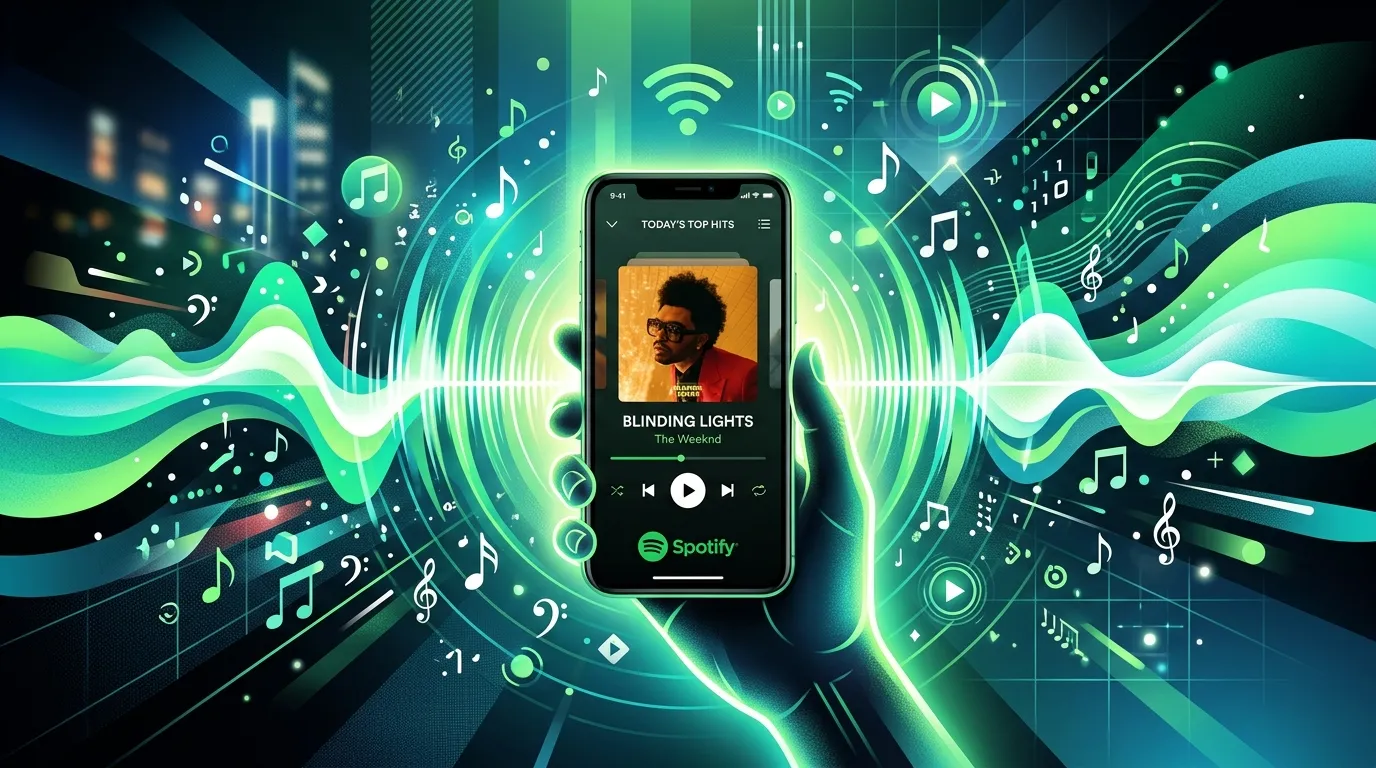
Radio Spotify is a feature that creates a continuous, automated stream of songs based on a seed—a single track, an artist, an album, or a playlist. Instead of choosing every song yourself, you let Spotify build an endless mix that matches the mood and style of your starting point.
Think of it as your own personal DJ. You pick a direction, and the feature handles the rest, blending songs you already love with new discoveries you might never have found on your own. This blend of familiarity and surprise sits at the heart of the radio Spotify experience.
Unlike a fixed playlist, a radio station never really ends. It keeps generating tracks for as long as you want to listen. That makes it perfect for long drives, work sessions, or any time you’d rather not babysit a queue.
How Radio Spotify Differs From Playlists
Playlists and radio stations both deliver music, but they work in very different ways. Knowing the difference helps you pick the right tool for the moment.
- Playlists are curated, fixed lists of songs. You or someone else chose every track, and the order stays the same until edited.
- Radio stations are dynamic and infinite. Spotify’s algorithm picks each track in real time based on your seed and your listening habits.
- Playlists repeat once they reach the end, while radio Spotify keeps generating fresh songs indefinitely.
- Playlists give you full control, while radio trades some control for effortless discovery.
If you know exactly what you want to hear, a playlist works best. If you want to lean back and discover, radio Spotify is the better choice.
The Role of Personalization
The real power of radio Spotify lies in personalization. The feature studies what you skip, save, and replay, then folds those signals into future picks. Over time, your stations grow sharper and more tuned to your taste.
This is why two people who start a station from the same song often hear different results. Your unique listening history shapes the stream, making each radio Spotify experience genuinely your own. That tailored feel is something traditional broadcast radio simply can’t match.
Quick recap: Radio Spotify turns a single seed into an endless, personalized stream of music, blending songs you love with new discoveries no fixed playlist can match.
How to Use Radio Spotify
Starting a station takes only a few taps, yet many listeners never explore the feature fully. This section walks you through creating, customizing, and managing your stations so you get the most from Spotify music streaming.
Creating a Radio Station
You can launch a radio station from almost anywhere in the app. The process is quick and works across phones, tablets, and desktops.
To start a station from a song:
- Find a track you enjoy.
- Tap the three-dot menu next to it.
- Select “Go to radio” or “Start radio.”
- Sit back as Spotify builds your endless mix.
You can also start a station from an artist, an album, or a playlist using the same menu. Each seed produces a slightly different flavor of online music, so experiment to find what fits your mood.
Customizing Your Listening Experience
Once a station plays, you’re not stuck with whatever comes next. Your reactions actively shape the stream, teaching the algorithm what you want more or less of.
Use these simple controls:
- Like a song to hear more music in that style.
- Skip or dislike tracks that miss the mark to steer the station away.
- Save tracks you love to your library for later.
- Adjust your seed by starting a fresh station when your mood changes.
The more you interact, the better radio Spotify understands you. Think of every tap as a small instruction that fine-tunes your future listening.
Tips for Better Recommendations
Want sharper picks? A few habits help the algorithm learn faster and serve you music you’ll actually enjoy.
First, be honest with your skips and likes. Skipping a song you don’t love sends a clear signal. Second, listen to full tracks when you enjoy them, since completion tells Spotify the song landed well. Third, mix up your seeds across genres and moods so the system understands the full range of your taste.
Finally, give new stations a little time. Early on, the algorithm has fewer signals to work with. After a few sessions, your radio Spotify stations sharpen noticeably.
Managing Saved Stations
Spotify keeps your recent stations handy so you can jump back into a favorite vibe. You’ll usually find them under your library or in a dedicated radio section, depending on your app version.
Revisiting a station picks up where the personalization left off. The algorithm remembers your past reactions, so a returning station often feels more accurate than a brand-new one. This continuity is part of what makes Spotify music streaming so easy to settle into.
Quick recap: Start a station from any song, artist, or playlist, then shape it with likes and skips to make your online music more personal over time.
The Technology Behind Radio Spotify
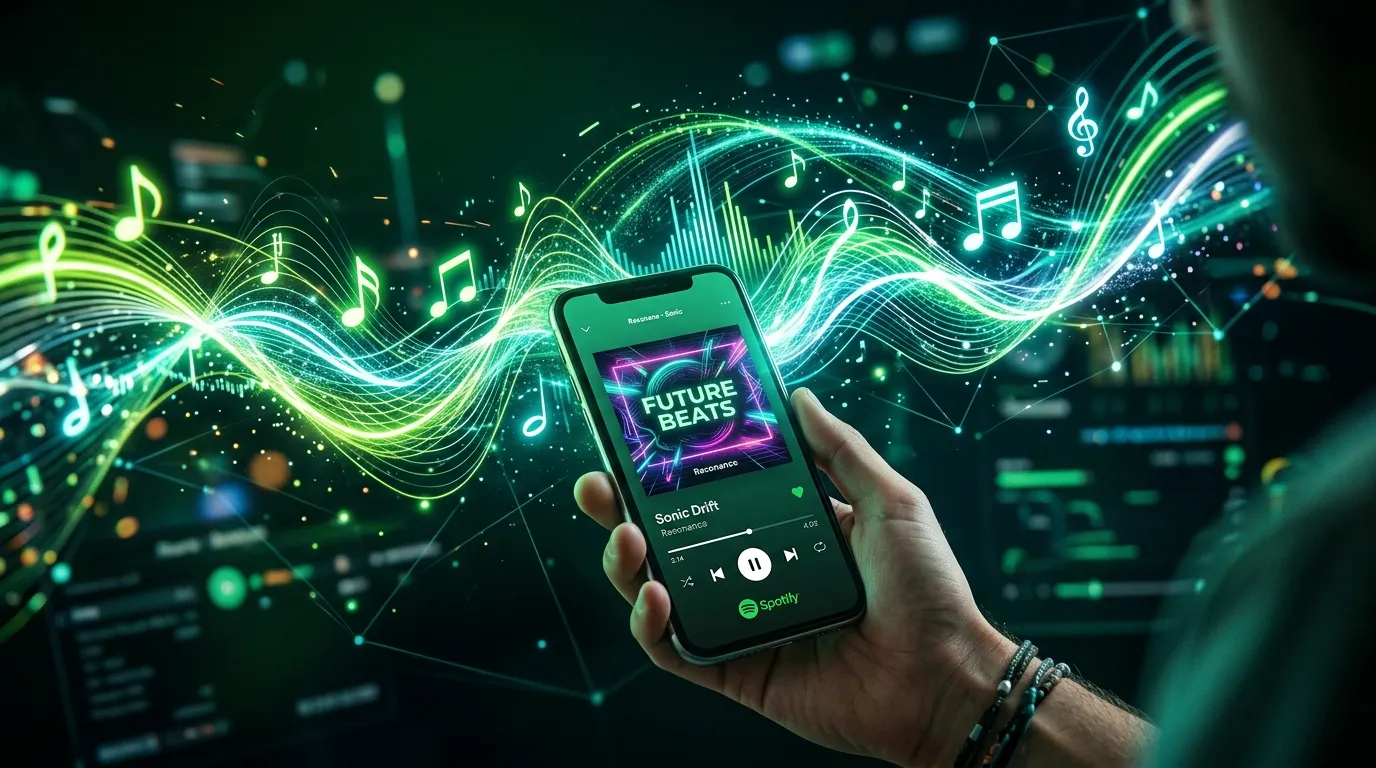
Behind the simple “play” button sits a complex system that powers your endless music. Understanding the basics helps you appreciate why radio Spotify feels so personal and why it works so smoothly across devices.
At its core, radio Spotify relies on two things: a recommendation engine that decides what to play, and audio streaming technology that delivers each track instantly. Together, they create the seamless flow you hear.
How the Recommendation Engine Works
Spotify’s recommendation engine analyzes enormous amounts of data to choose your next song. It looks at the qualities of the music itself and the behavior of millions of listeners.
The engine weighs several factors:
- Audio features like tempo, key, energy, and mood.
- Your listening history, including saves, skips, and repeats.
- Collaborative signals from listeners with similar taste.
- Contextual clues such as time of day or recent activity.
By blending these inputs, the system predicts which song you’ll enjoy next. This is why a radio Spotify station feels less random than flipping channels on a traditional radio dial.
Understanding Audio Streaming
Audio streaming is the technology that lets you play music instantly without downloading entire files first. Instead of waiting for a full track to load, your device receives small chunks of data and plays them in real time.
This approach keeps playback smooth even on slower connections. Spotify adjusts the quality based on your network, so your online music keeps flowing rather than stalling. It’s the same foundation that powers podcasts, audiobooks, and live broadcasts across the web.
If you want a clear, beginner-friendly explanation, this resource breaks down the basics in plain language.
Why Streaming Quality Matters
Not all audio streaming sounds the same. Higher bitrates carry more detail, producing richer, clearer sound. Lower bitrates save data but sacrifice some fidelity.
Spotify offers several quality tiers, and premium subscribers can unlock the highest settings. If you listen through good headphones or speakers, bumping up the quality makes a noticeable difference. On a tight data plan, a lower setting keeps your radio Spotify sessions affordable without draining your allowance.
Quick recap: Radio Spotify combines a smart recommendation engine with audio streaming technology to deliver personalized music instantly and smoothly across your devices.
Radio Spotify vs. Traditional Digital Radio
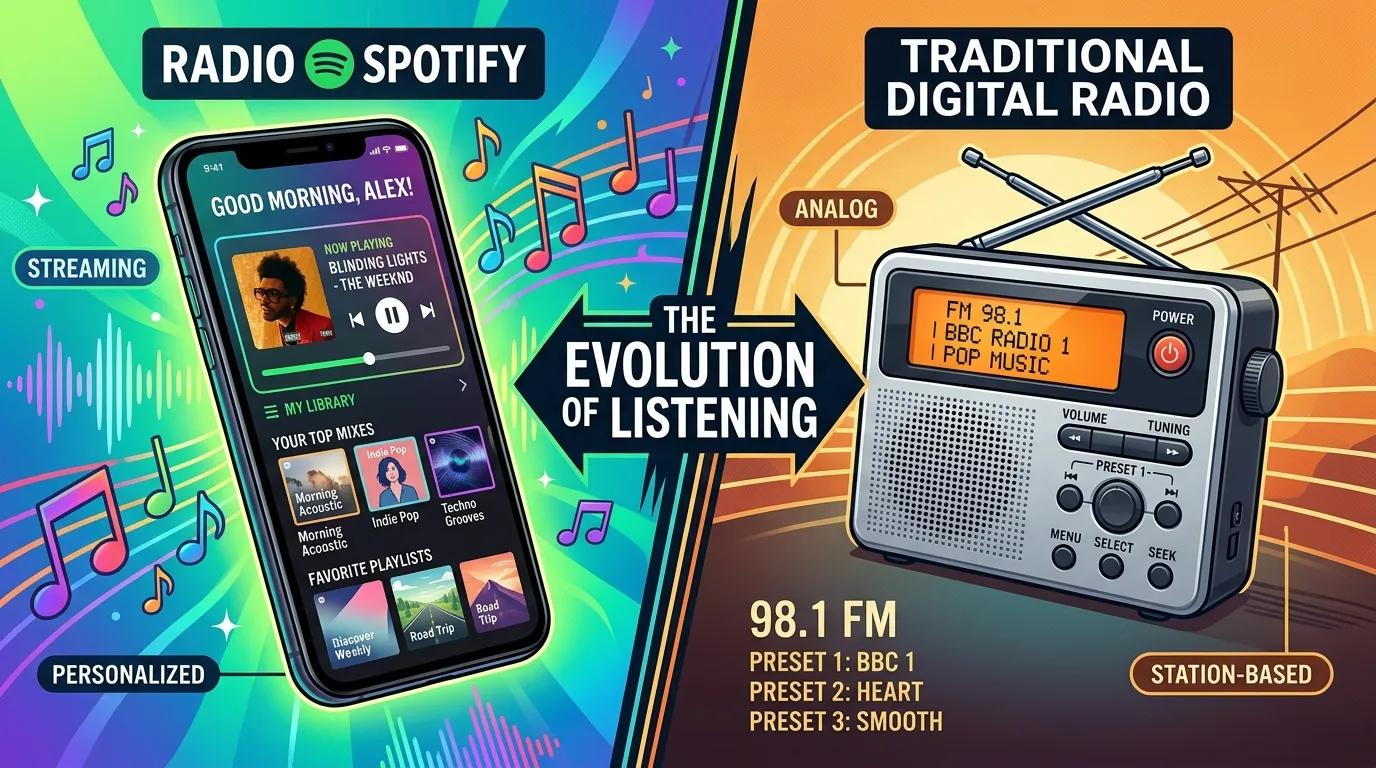
Listeners often wonder how radio Spotify compares to classic digital radio. Both deliver music over the internet, yet they work in fundamentally different ways. Each has clear strengths depending on what you want.
How Traditional Digital Radio Works
Digital radio broadcasts the same content to every listener at once. Whether you tune in through an app, a website, or a smart speaker, you hear whatever the station is currently playing.
This shared experience has real charm. Live hosts, news updates, and a sense of community come with traditional digital radio. The trade-off is control—you can’t skip a song you dislike or rewind one you love. You simply ride along with the broadcast.
How Radio Spotify Differs
Radio Spotify flips that model on its head. Instead of broadcasting one stream to everyone, it builds a unique stream for each listener based on personal taste.
This means total personalization and on-demand control. You skip freely, save tracks, and shape the music in real time. The downside is that you lose the live hosts and the communal feel of tuning in alongside thousands of others.
Side-by-Side Comparison
The table below compares the two approaches across the factors that matter most for everyday listening.
|
Factor |
Radio Spotify |
Traditional Digital Radio |
|---|---|---|
|
Personalization |
High—tailored to each listener |
Low—same stream for everyone |
|
Control over songs |
Full (skip, save, replay) |
None—broadcast only |
|
Music discovery |
Algorithm-driven, taste-based |
Curated by station hosts |
|
Live content |
None |
Hosts, news, talk segments |
|
Ads |
Fewer or none with premium |
Common on free stations |
|
Best for |
Personal, on-demand listening |
Live shows and shared experiences |
Neither option is strictly better. For tailored online music that adapts to your mood, radio Spotify wins. For live shows, local news, and that classic radio feel, traditional digital radio still holds its ground.
Which Should You Choose?
The right pick depends on what you value in the moment. If you want effortless discovery and full control, radio Spotify is hard to beat. If you crave a live host, breaking news, or a shared cultural moment, traditional digital radio delivers something an algorithm can’t.
Many listeners use both. They lean on radio Spotify for personal sessions and switch to digital radio for live programming. There’s no rule that says you must choose only one.
Quick recap: Radio Spotify offers personal, on-demand music with full control, while traditional digital radio shines with live hosts and a shared listening experience.
Getting the Most From Spotify Music Streaming
Radio is just one piece of the wider Spotify music streaming experience. To truly enjoy the platform, it helps to understand the features that surround radio and how they work together.
Exploring Related Features
Spotify pairs radio with several discovery tools that complement one another. Using them together deepens your access to online music.
- Discover Weekly: A personalized playlist refreshed every Monday based on your habits.
- Daily Mixes: Genre-based blends that combine your favorites with similar tracks.
- Release Radar: New releases from artists you follow.
- Autoplay: Keeps music going after a playlist ends, much like a station.
Each feature draws on the same recommendation engine that powers radio Spotify. Exploring them all gives you multiple paths to fresh music.
Free vs. Premium Listening
Spotify offers both free and premium tiers, and the differences affect your radio experience. Knowing what each tier offers helps you decide whether to upgrade.
The free tier includes ads and limits on skips and certain controls. The premium tier removes ads, unlocks unlimited skips, allows offline downloads, and offers higher audio streaming quality. For heavy listeners, premium often pays for itself in convenience and sound quality.
Is Premium Worth It for Radio?
If radio Spotify is your main way to listen, premium adds real value. Unlimited skips let you shape stations freely without hitting a wall, which is essential for fine-tuning your stream.
Premium also removes ad interruptions that break the flow of a relaxing session. Add offline listening and higher quality, and the upgrade makes sense for anyone who streams daily. Casual listeners, however, may find the free tier perfectly fine.
Using Spotify Across Devices
One strength of Spotify music streaming is how well it moves between devices. You can start a station on your phone, transfer it to a smart speaker at home, and pick it up later on your laptop.
This flexibility makes radio Spotify a constant companion. Spotify Connect lets you control playback across devices on the same network, so your online music follows you from room to room without missing a beat.
Quick recap: Radio Spotify works alongside Discover Weekly, Daily Mixes, and cross-device playback, and a premium plan unlocks the smoothest, ad-free experience.
Common Mistakes Listeners Make
Even longtime users miss out on features that would improve their experience. Avoiding these common mistakes helps you get the most from radio Spotify and the wider platform.
Never Interacting With Stations
Some listeners start a station and never skip, like, or save anything. Without these signals, the algorithm can’t learn your taste. A few taps per session dramatically sharpen your future recommendations.
Sticking to One Seed
Starting every station from the same song or artist boxes you into a narrow lane. Spotify can’t show you the full range of online music if you never branch out. Experiment with different seeds to keep your discoveries fresh.
Ignoring Audio Quality Settings
Many people never check their audio streaming quality. If you listen on good gear, the default setting may sound worse than it should. A quick trip to settings can noticeably improve your sound.
Overlooking Related Features
Treating radio as the only discovery tool leaves value on the table. Discover Weekly, Daily Mixes, and Release Radar all draw on the same engine and surface music radio might miss. Use them together for the best results.
Forgetting to Save Discoveries
Radio Spotify constantly serves new songs, but they slip away if you don’t save them. When a track grabs you, add it to your library right away. Otherwise, you may struggle to find it again later.
Quick recap: Interact with your stations, vary your seeds, check your audio quality, explore related features, and save the discoveries you love.
Frequently Asked Questions
What is radio Spotify and how does it work?
Radio Spotify is a feature that creates an endless, automated stream of songs based on a seed like a track, artist, or playlist. It uses Spotify’s recommendation engine to pick each song in real time. The stream blends music you love with new discoveries. The more you interact, the better it tailors your listening.
How do I start a radio station on Spotify?
Tap the three-dot menu next to any song, artist, album, or playlist, then choose “Go to radio” or “Start radio.” Spotify instantly builds a continuous mix based on that seed. You can do this on phones, tablets, and desktops. The station plays endlessly until you stop it.
Is radio Spotify free to use?
Yes, radio Spotify is available on the free tier, though with some limits. Free users encounter ads and restrictions on skips and controls. Premium subscribers enjoy unlimited skips, no ads, and higher audio streaming quality. Heavy radio listeners often find premium well worth the upgrade.
How is radio Spotify different from a playlist?
A playlist is a fixed, curated list of songs that repeats once it ends. Radio Spotify is dynamic and infinite, generating fresh tracks in real time based on your seed and habits. Playlists give full control, while radio offers effortless discovery. Pick a playlist for precision and radio for exploration.
Why do my radio recommendations feel off sometimes?
Recommendations can miss the mark when the algorithm lacks enough signals from you. New stations especially need a few sessions to learn your taste. Skipping songs you dislike and liking ones you enjoy speeds up the learning. Over time, your radio Spotify stations grow much more accurate.
How does radio Spotify compare to digital radio?
Radio Spotify builds a unique, personalized stream for each listener with full skip and save control. Traditional digital radio broadcasts the same content to everyone, including live hosts and news. Spotify wins on personalization, while digital radio offers a live, shared experience. Many listeners enjoy both for different moments.
Can I improve my radio Spotify recommendations?
Absolutely. Be honest with your likes and skips, since each tap teaches the algorithm. Listen to full tracks you enjoy to confirm a good match. Vary your seeds across genres so the system understands your full taste. Give new stations time, and they sharpen quickly.
Does audio streaming quality affect my radio experience?
Yes, higher audio streaming quality delivers richer, clearer sound, while lower settings save data. Spotify offers several quality tiers, with the best reserved for premium users. If you listen on good headphones or speakers, raising the quality makes a real difference. On limited data, a lower setting keeps streaming affordable.
Can I use radio Spotify across multiple devices?
Yes, Spotify music streaming moves smoothly between phones, tablets, computers, and smart speakers. Spotify Connect lets you transfer playback across devices on the same network. You can start a station on one device and continue on another. Your online music follows you wherever you go.
Does radio Spotify use a lot of data?
Radio Spotify uses data based on your chosen streaming quality. Higher settings consume more data, while lower settings stretch your allowance further. Streaming over Wi-Fi avoids using mobile data entirely. Adjusting quality in settings helps you balance sound and data usage.
Will radio Spotify play the same songs repeatedly?
Radio Spotify aims to mix familiar favorites with new discoveries, so it shouldn’t loop the same tracks endlessly. If you notice repetition, interacting more and varying your seed helps refresh the stream. The algorithm relies on your signals to expand its picks. More engagement leads to more variety.
What other features pair well with radio Spotify?
Discover Weekly, Daily Mixes, and Release Radar all complement radio Spotify. Each draws on the same recommendation engine to surface music you might enjoy. Autoplay also keeps songs flowing after a playlist ends, much like a station. Using these together deepens your music discovery.
Final Thoughts
Radio Spotify transforms a single song into endless, personalized listening that adapts to your taste over time. Once you understand how it works, how to shape it, and how it fits into the wider world of Spotify music streaming, you unlock a powerful tool for discovering online music.
Your next steps are simple. Start a station from a song you love, interact with likes and skips to train the algorithm, check your audio streaming quality, and explore related features like Discover Weekly and Daily Mixes. Together, these habits make every session sharper and more enjoyable.
Whether you favor radio Spotify for personal discovery or lean on traditional digital radio for live shows, the choice is yours. Press play, let the music flow, and enjoy a listening experience built around you.