
Learn how to create your own internet radio station for free using open-source tools, live audio streaming platforms, and smart promotion strategies. Build your brand, broadcast engaging content, grow listeners, and maintain a successful online radio setup.
Audio broadcasting has experienced a massive resurgence over the past decade. Millions of listeners tune in daily to catch their favorite digital broadcasts, seeking out highly specialized music genres, engaging talk shows, and unique community discussions. This digital audio revolution means that anyone with an internet connection can reach a global audience. You can easily bypass the expensive licensing and massive broadcasting towers required by traditional FM or AM radio.
Many people assume that launching a broadcasting platform requires significant financial investment, professional studio equipment, and deep technical expertise. Fortunately, the barrier to entry has never been lower. You can entirely bypass the high costs of premium software and server hosting by leveraging a combination of clever open-source tools and free streaming platforms.
This comprehensive guide will walk you through the entire process of getting your broadcast off the ground without spending a single dollar. You will learn exactly how to create your own internet radio station from scratch. We will cover how to define your station’s identity, gather the necessary software, optimize your online radio setup, and share your stream with the world.
Understanding the Basics of Internet Radio
Before installing software or recording your first segment, it helps to understand how the digital broadcasting ecosystem actually works. Grasping these fundamentals makes figuring out how to create your own internet radio station much easier.
What is Internet Radio Streaming?
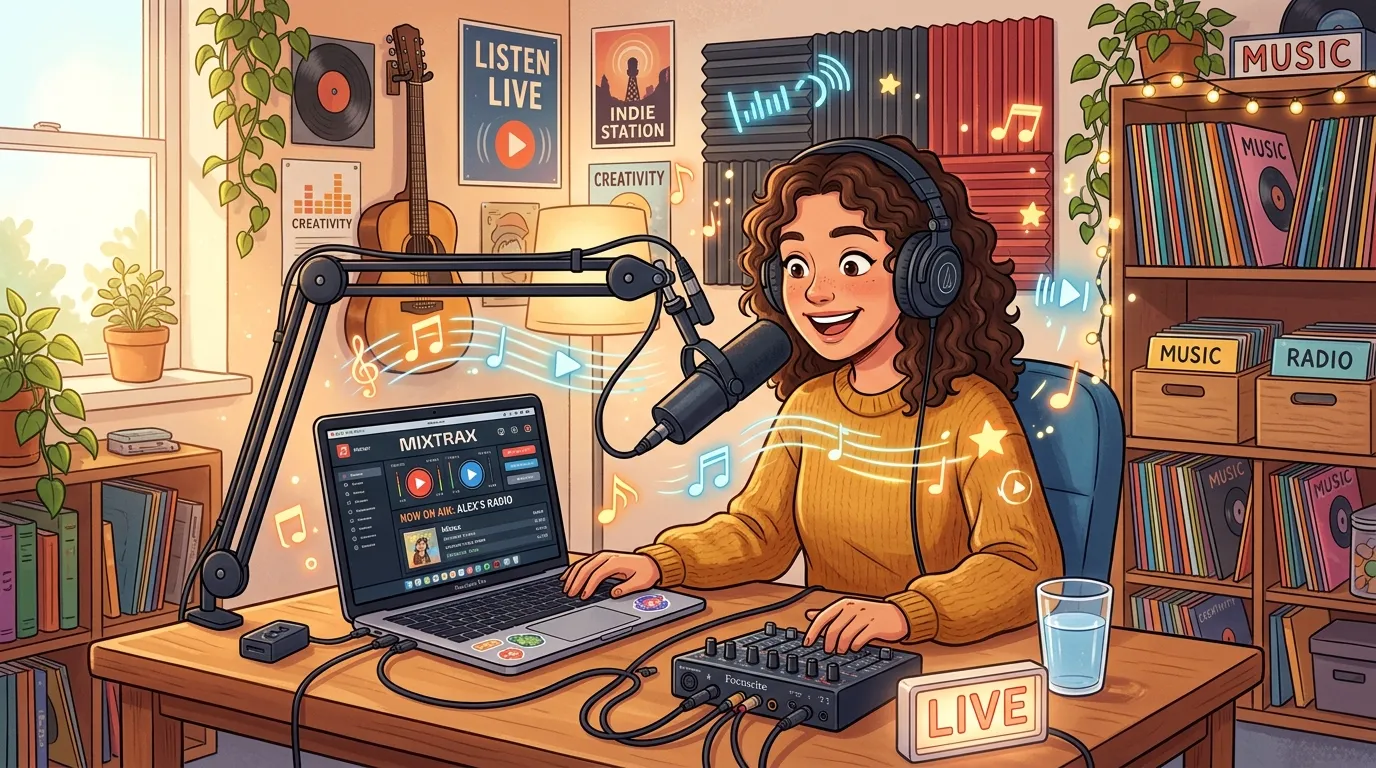
Internet radio streaming is digital audio transmitted via the internet rather than through traditional radio waves. Instead of a massive antenna sending signals to a receiver in a car or living room, a computer sends digital audio data to a server. That server then distributes the live audio streaming to listeners connected via web browsers, mobile apps, or dedicated media players. Because it relies on internet protocols, your broadcast can instantly reach listeners anywhere on the planet.
Why Start Your Own Station?
People launch internet radio stations for a variety of reasons. For some, it is a passion project born out of a love for a highly specific, underrepresented music genre. For others, it serves as a powerful community-building tool, allowing local groups, hobbyists, or specialized industries to share news and ideas. Businesses also use digital radio as a creative marketing channel to build brand awareness and connect with customers in an engaging, intimate format. Knowing your core motivation is the first step in learning how to create your own internet radio station.
Key Components of a Broadcast
Every digital radio station, regardless of its budget, relies on four fundamental components.
- Audio source: This could be a live microphone feed, a digital music library, or pre-recorded interview segments.
- Encoder: This is software that takes your audio source, compresses it, and translates it into a format suitable for streaming.
- Server: The distribution hub that receives your encoded audio and sends it out to multiple listeners simultaneously.
- Player: The web interface or application listeners use to tune in and hear your broadcast.
Phase 1: Planning Your Station’s Identity
A successful station requires a clear focus. Listeners are more likely to return if they know exactly what kind of content they can expect when they tune in. If you want to know how to create your own internet radio station that actually grows, start with a solid plan.
Defining Your Niche and Target Audience
Start by narrowing down your content focus. Will you run a 24/7 electronic music station, a weekly sports talk show, or a mix of indie rock and interviews? Trying to appeal to everyone usually results in appealing to no one. Identify the specific demographics and interests of your ideal listener. Understanding who they are, what other media they consume, and what problems your content solves for them will guide every decision you make moving forward.
Naming Your Station and Creating a Brand Identity
Your station’s name is its first impression. Brainstorm titles that are memorable, easy to spell, and reflective of your content. Once you land on a name, develop a basic visual identity. Even a simple, clean logo made with a free online design tool will make your project look significantly more professional when you start sharing links on social media or directories. Your visual branding should align perfectly with the mood of your audio content.
Developing a Content Strategy
Decide exactly what you will broadcast on a daily basis. If you plan to play music, you need to understand basic copyright laws. Broadcasting copyrighted music usually requires expensive licenses to pay royalties to artists and record labels. Since you are building a free station, you should focus heavily on royalty-free music, public domain tracks, or platforms specifically designed to handle licensing for you. Alternatively, focus on talk radio, original podcasts, or live interviews where you own all the rights to the spoken content.
Phase 2: Gathering Free Broadcasting Tools
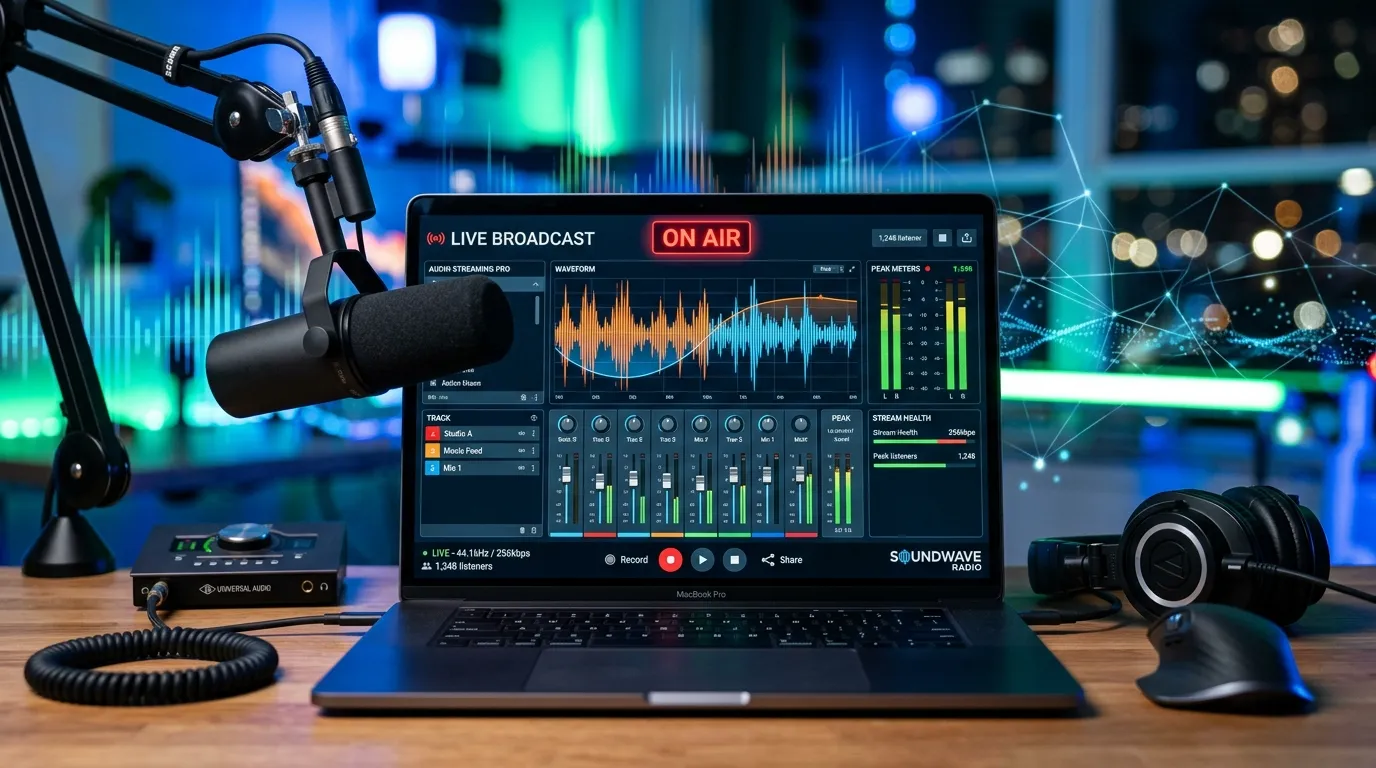
With your plan in place, it is time to assemble the digital tools required to get your voice online. Knowing how to create your own internet radio station relies heavily on selecting the right free broadcasting tools.
Sourcing Your Audio Equipment
You do not need a thousand-dollar microphone to sound great. Most modern laptops have decent built-in microphones, or you can use an inexpensive USB microphone you might already own. To edit pre-recorded segments, download Audacity, a powerful, open-source audio editor available for free on Windows and Mac. Mac users can also utilize GarageBand, which comes pre-installed on Apple computers.
Finding Music and Audio Content
If you need music, explore Creative Commons libraries, royalty-free audio archives, or public domain repositories to keep your stream strictly legal. You can also explore free streaming service trials to discover new artists and genres to discuss on your talk segments. Proper curation is essential for high-quality live audio streaming.
Selecting Encoder Software
Your encoder is the critical bridge between your computer and your broadcast server. BUTT (Broadcast Using This Tool) is one of the most popular, reliable, and completely free encoders available. It features a straightforward interface that simply takes your computer’s audio and pushes it to a server. If your online radio setup requires routing audio from multiple applications simultaneously, OBS Studio is an incredibly robust, free alternative, though it comes with a slightly steeper learning curve.
Securing a Free Streaming Server
Securing a free server is the most challenging aspect of learning how to create your own internet radio station, as servers require significant bandwidth. However, clever workarounds exist. You can utilize platforms like Mixcloud Live, which handles music licensing for you and offers free streaming options for creators. Alternatively, you can broadcast your audio-only feed to video platforms like YouTube Live or Twitch by displaying a static image while your audio plays in the background.
Comparing Free Broadcasting Tools
|
Tool Name |
Primary Function |
Best For |
Difficulty Level |
|---|---|---|---|
|
Audacity |
Audio Editing |
Trimming interviews, balancing volume |
Beginner |
|
BUTT |
Encoding |
Simple live audio streaming |
Beginner |
|
OBS Studio |
Encoding/Mixing |
Complex multi-source audio setups |
Intermediate |
|
Mixcloud Live |
Streaming Server |
DJ mixes and licensed music |
Beginner |
Phase 3: Perfecting Your Online Radio Setup
Now that you have your tools, you need to connect them and configure your digital studio. This is where your internet radio streaming truly comes to life.
Installing and Configuring Your Encoder
Download and install your chosen encoder. Open the software and locate the main settings tab. You will need to input the specific server address, port number, and broadcast password provided by your chosen free streaming platform.
Audio Input Settings
Next, select your audio input. Tell the encoder whether it should capture the sound coming from your microphone or the internal audio playing from your media player. Make sure to test the levels so your voice does not clip or distort during loud moments.
Server Connection Details
Double-check your server details. A single typo in your port number or password will prevent your stream from connecting. Save your configuration as a preset if your software allows it, making future broadcasts much smoother.
Preparing Your Content for Broadcast
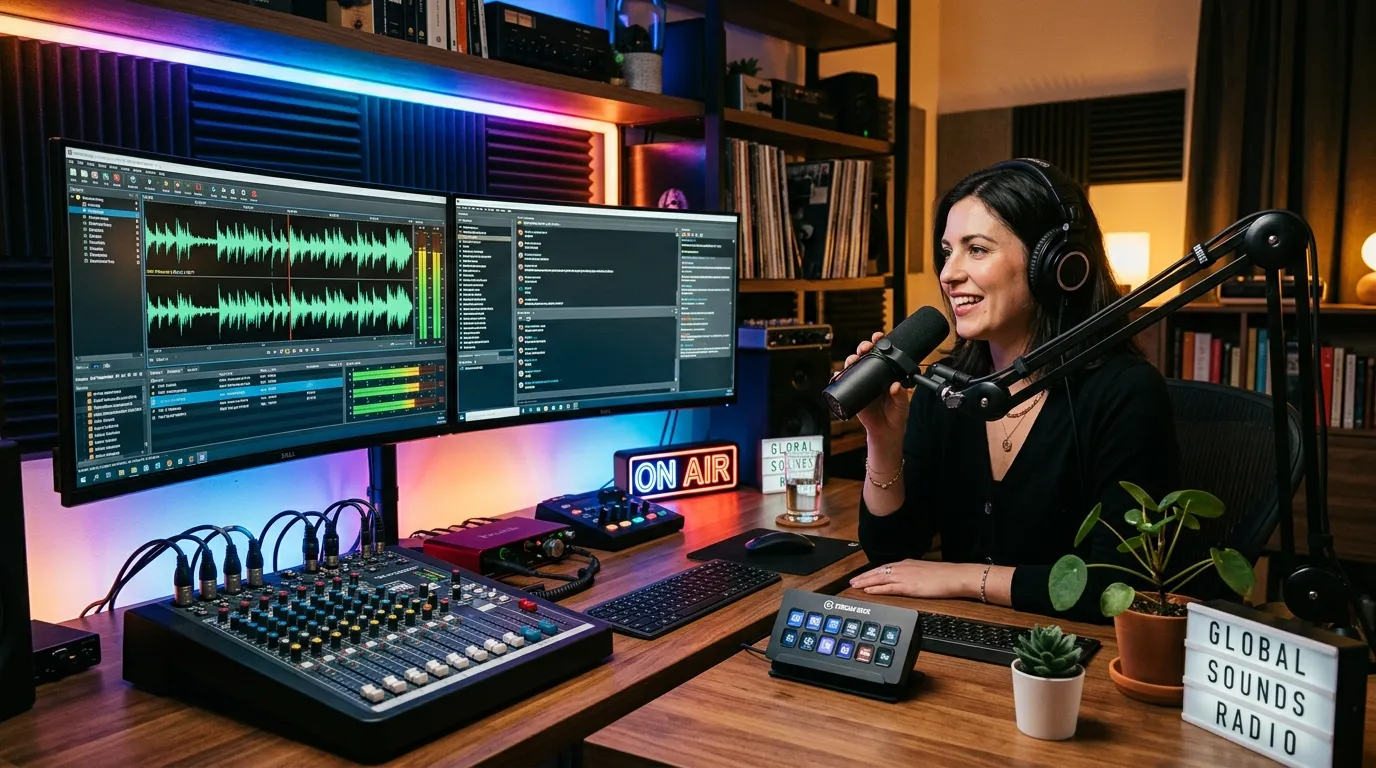
Organization is vital for a smooth broadcast. If you are playing music, organize your audio files into specific folders or playlists within your media player so you aren’t scrambling to find the next track while live. If you are hosting a talk show, write a detailed outline or script. Have any pre-recorded intro music or sound effects loaded into Audacity or your media player, ready to fire at a moment’s notice.
Going Live for the First Time
Before announcing your grand opening, run a private test. Connect your encoder to the server and hit the broadcast button. Open your stream link on a separate device, like your smartphone, to monitor the output. Listen closely to the audio quality. Is the music too loud compared to your voice? Adjust your microphone levels and system volume accordingly. Learning how to create your own internet radio station requires patience and frequent testing.
Troubleshooting Live Audio Streaming Issues
If your stream constantly drops or buffers, your internet upload speed might be too slow. Try connecting your computer directly to your router with an Ethernet cable instead of relying on Wi-Fi. If your audio sounds robotic or glitchy, you may need to lower your stream’s bitrate in your encoder settings. A lower bitrate reduces the audio quality slightly but makes the stream much easier for your internet connection to handle.
Phase 4: Promoting Your Internet Radio Station
Your station is live, but a broadcast without listeners is just a private rehearsal. You need a robust promotional strategy to build your audience and maximize your internet radio streaming reach.
Executing a Social Media Strategy
Create dedicated social media profiles for your station on platforms where your target audience spends their time. Share behind-the-scenes photos of your online radio setup, announce upcoming shows, and ask questions to encourage interaction. Use specific, relevant hashtags to help people discover your niche content. Consistency is crucial; post regularly to keep your station top of mind.
Creating a Free Website
A dedicated website acts as the central hub for your brand. Using a free builder like WordPress, you can quickly spin up a professional-looking site without needing to know how to code. You can embed your radio player directly on the homepage, post your weekly broadcast schedule, and publish blog posts related to your niche to capture organic search traffic.
Submitting to Online Directories
Finally, submit your station to free internet radio directories. Many listeners use apps and websites that aggregate thousands of digital stations. Getting listed in these directories puts your broadcast in front of people actively searching for new audio content. Ensure you provide an accurate description and tag your station with the correct genres so the right listeners can find you easily.
Taking Your Internet Radio Station to the Next Level
Building your station’s infrastructure is just the beginning. To succeed in creating your own internet radio station, you must think beyond the technical setup and focus on strategies that help your station grow, retain listeners, and stand the test of time. This expanded guide explores audience-building tactics, programming schedules, audio quality enhancements, legal essentials, community interaction, basic monetization, and sustainable operations for your online radio setup.
Audience Growth Strategies
A successful internet radio station isn’t just about broadcasting — it’s about attracting and engaging a loyal listener base. Here are several powerful strategies to grow your station’s reach:
1. Leverage Social Sharing and Collaborations
Encourage your audience to share your live audio streaming links on their social media platforms. Collaborate with other small stations, podcast hosts, or local musicians for crossover shows or guest interviews. These partnerships introduce your content to new audiences and foster connections in the online radio community.
2. Participate in Online Music and Talk Forums
Share your station link and programming highlights in genre-specific Reddit threads, Facebook groups, or online forums dedicated to your type of content. Contribute value by participating in discussions and recommending your broadcasts only when relevant.
3. Use Cross-Promotion with Blogs and Playlists
Reach out to bloggers or playlist curators in your chosen music genre or niche. Offer to feature their playlists, review their content, or promote their work on your stream in exchange for a mention of your station or a share of your schedule.
4. Run Contest Giveaways
Host simple giveaways, such as station-branded merchandise or shoutouts, for listeners who share your stream or leave comments. These contests can boost your visibility while rewarding loyal fans.
Crafting Compelling Programming Schedules
One reason listeners return to FM and AM stations is the reliability of their programming schedule. Online, a regular broadcast calendar builds trust and excitement:
1. Set Fixed Live Showtimes
Announce a regular schedule for your live shows — such as nightly music mixes, weekday talk radio, or Saturday interviews. Consistency helps your station become a trusted part of listeners’ routines.
2. Balance Live and Pre-Recorded Segments
If your schedule is thin, fill gaps with curated playlists, countdowns, or replayed segments. Use your audio editor to splice together music blocks or topical reruns, so there’s never dead air.
3. Create Themed Programming Blocks
Dedicate specific hours or days to certain genres or show styles. For instance, run a “Metal Mondays” music block, “Talkback Tuesdays” for interactive discussions, or “Classic Hits Weekends” to tap into nostalgia-driven listeners.
4. Engage Listeners with Requests and Dedications
Allow your audience to send in song requests, shoutouts, or dedications via email, social media, or a submission form on your website. Reading these messages on air strengthens listener loyalty and makes your programming more interactive.
Maximizing Audio Quality
Clear, professional sound is vital for retention and credibility. Follow these tips to dramatically improve your audio streaming quality:
- Microphone Technique: Speak directly into your microphone, but not too close — about two inches away, at a slight angle, reduces “plosives” (hard P and B sounds).
- Room Acoustics: Choose a quiet room, hang blankets on bare walls, or record in a closet to limit echo and outside noise.
- Consistent Volume Levels: Use Audacity or your chosen editor to normalize audio, so music, ads, and talk segments play at similar volumes and nothing is jarringly loud or quiet.
- Audio Processing: Consider adding free plugins for compression and light EQ, making your voice feel warm and radio-friendly. Test your stream on headphones and speakers to hear it the way your listeners do.
Legal Considerations for Music and Talk Formats
Learning how to create your own internet radio station means understanding basic licensing and legal issues to keep your project sustainable:
1. Music Licensing:
- If you use only royalty-free, public domain, or platform-cleared music (like tracks from Mixcloud’s library), you generally don’t need to pay additional music royalties.
- For stations based in the US, UK, or other countries, playing any copyrighted music requires licenses from collection agencies (like ASCAP, BMI, PRS, or SOCAN).
- Consider focusing on independent artists who provide explicit permission, or use only tracks you create.
2. Talk Show and Podcast Content:
- Ensure that all interviews, stories, or phone calls are original or permission-based. If your show features callers, inform them that the call is being broadcast and possibly recorded.
- Avoid reading long passages from copyrighted books or news sources on-air unless you have explicit permission.
3. Disclaimers and Community Standards:
- Always broadcast disclaimers if your content contains explicit language or adult topics.
- Adhere to hate speech, slander, and privacy guidelines as per your platform’s terms and your country’s laws.
Community Engagement and Interactive Features
Engaging your community is a core aspect of establishing how to create your own internet radio station that thrives over the long term:
1. Live Chat and Comments
Embed a chat widget alongside your player or use a dedicated Discord channel so listeners can interact live. Respond to questions and comments on-air for real-time feedback.
2. Listener Polls and Surveys
Occasionally, poll your audience about new show topics, music blocks, or station improvements. Use Google Forms, Twitter polls, or built-in website widgets to collect responses.
3. Local Events and Remotes
Broadcast live from community events, record interviews with local personalities, or partner with venue owners to run themed events (like “live DJ nights” streamed online). Streaming local festivals, university events, or charity fundraisers also boosts community appeal.
Monetization Basics for Free Internet Radio
Once your station is established and building an audience, you might consider funding opportunities:
- On-Air Sponsorships: Approach local businesses for sponsor messages or show naming rights. Even small businesses may trade gift cards or services for regular mentions.
- Listener Support: Platforms like Patreon allow fans to support your project directly with monthly donations, unlocking exclusive shows or shoutouts.
- Affiliate Links: If you review music or audio gear, become an affiliate for relevant products and mention your link on-air or in your blog posts.
- Promoted Shows or Event Ads: Offer local bands or event organizers a spot to plug upcoming gigs or releases for a small fee.
- Merchandise Sales: Sell branded t-shirts, hats, or stickers with your station’s logo.
Always disclose advertisements or sponsorships to maintain trust and transparency.
Long-Term Station Maintenance and Growth
Internet radio stations that endure have reliable systems for technical management, audience tracking, and content development:
- Automated Backups: Regularly back up your playlists, jingles, logos, and important episodes to a separate cloud storage account.
- Listener Analytics: Use your hosting platform’s analytics dashboard or free tools like Google Analytics on your website to track listening hours, geographic reach, and referral sources.
- Ongoing Content Development: Periodically review which shows or segments perform best and adapt your programming accordingly.
- Volunteer and Guest Recruitment: Recruit volunteers, guest hosts, or specialty DJs to keep programming fresh. Feature guest shows or crossover broadcasts with other small stations.
- Adapt to Technology: Stay up-to-date with changes in free broadcasting tools, player plugins, mobile apps, and platform updates. Attend webinars or join forums to keep your setup current and secure.
Common Pitfalls to Avoid When Running an Internet Radio Station
|
Pitfall |
Description |
How to Avoid |
|---|---|---|
|
Inconsistent Shows |
Irregular or missed broadcasts result in lost listeners. |
Stick to a realistic and well-publicized schedule. |
|
Neglecting Audio |
Poor or inconsistent audio quality turns away users quickly. |
Continuously test and adjust audio setup. |
|
Ignoring Community |
Not responding to chat or feedback alienates your core audience. |
Answer comments, polls, and emails on-air. |
|
Legal Oversights |
Playing copyrighted music without licensing can result in takedowns. |
Use only legal music/content; obtain licenses. |
|
No Audience Plan |
Failing to promote or engage results in zero growth. |
Invest time in social, collaborations, and listener requests. |
By deepening your expertise on how to create your own internet radio station, you not only ensure technical success and great audio quality but also lay the groundwork for a vibrant, lasting, and potentially profitable digital broadcasting venture. Keep innovating, stay listener-focused, and your station will have every chance to become a mainstay in the ever-expanding universe of internet radio.
Frequently Asked Questions
Do I need a license for internet radio streaming?
If you broadcast original talk content or royalty-free music, you do not need a license. However, if you plan to play commercially copyrighted music, you are legally required to obtain the appropriate broadcasting licenses for your region.
How much bandwidth does an online radio setup require?
Audio streaming is relatively lightweight compared to video. A standard 128 kbps audio stream only requires a stable upload speed of about 0.5 Mbps. Almost all modern broadband connections can easily handle this requirement without buffering.
What are the best free broadcasting tools for beginners?
For beginners, Audacity is perfect for editing pre-recorded audio, while BUTT is the simplest software for live encoding. Both tools are open-source, completely free to use, and require very little technical knowledge to configure properly.
Can I make money from my free internet radio station?
Yes, you can monetize your station through several methods once you build an audience. You can secure sponsorships, read live advertisements on air, or set up a Patreon account for loyal listeners to support your content directly.
How do niche stations attract loyal listeners?
Niche stations thrive by providing highly specific content that mainstream radio ignores.
Read about the success of niche online radio to see how targeting a specific audience builds a highly dedicated and engaged following.
Focusing on community building over mass appeal is key.
What is the ideal bitrate for live audio streaming?
An ideal starting point for spoken word broadcasts is 64 kbps, which saves bandwidth while keeping voices clear. For music stations, aim for 128 kbps or 192 kbps to preserve audio fidelity and ensure instruments sound crisp to your listeners.
How do I get my station listed on major directories?
Most online radio directories have a free submission form on their website. You will need to provide your station’s name, logo, a brief description, genre tags, and your direct streaming URL. Approval usually takes a few days.
Can I broadcast using just my smartphone?
Yes, several mobile applications allow you to stream live audio directly from your phone’s microphone to a server. While this limits your ability to mix in pre-recorded music or complex sound effects, it is perfect for on-the-go reporting or casual talk shows.
How do I handle multiple hosts in different locations?
You can use free voice communication software like Discord or Skype to connect multiple remote hosts. Route the output audio from that communication software directly into your encoder like OBS Studio to broadcast everyone’s voice simultaneously.
What happens if my internet connection drops while broadcasting?
If your connection drops, your encoder will disconnect from the server, and your listeners will experience silence. Most encoder software will automatically attempt to reconnect once your internet stabilizes. Having a backup cellular hotspot is a good fail-safe strategy.